Deutsch
 Français
 Italiano
 Español
 EUR
EUR USD
USDClean Desk & Ergonomics 2026: The Guide for the Perfect Home Office Setup
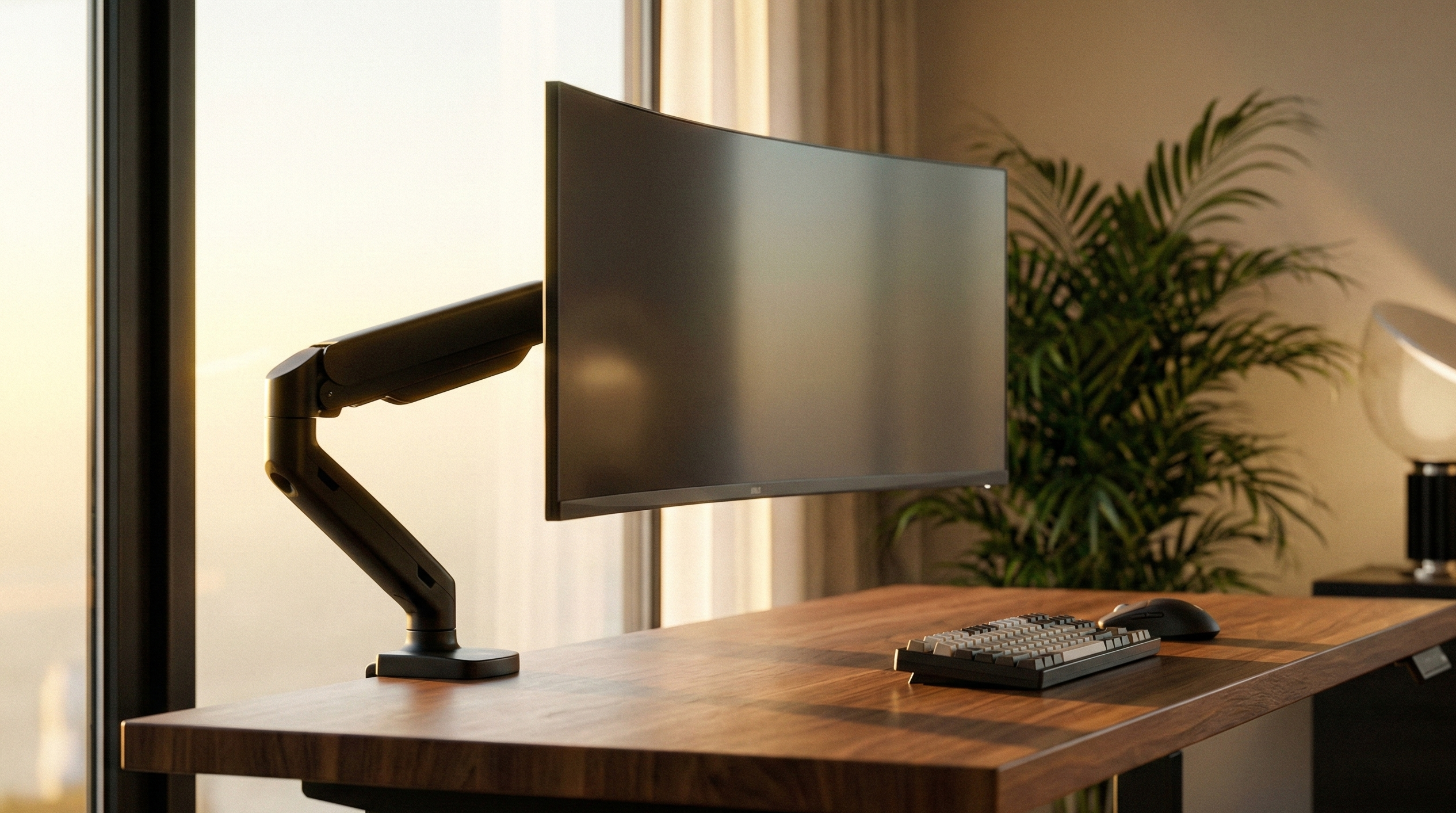
A productive home office doesn't happen by chance. In this guide, we'll show you how to perfect your setup using the Clean Desk Principle. Learn why a professional monitor arm is the foundation for organization and ergonomics – regardless of the hardware you use.
Key takeaways:
- Clean Desk: A monitor arm creates up to 40% more space on your desk.
- Ergonomics: Only flexible mounts allow for perfect eye level to prevent neck pain.
- Lighting & Well-being: Indirect lighting reduces contrast and relieves eye strain.
- Compatibility: We solve every mounting problem – if necessary with our patented VESA adapters.
📑 Table of Contents (Navigation)
1. Finally space on your desk again: The Clean Desk Principle
A cluttered desk leads to a cluttered mind. The most effective measure for a modern Desk Setup 2026 is switching to a desk mount. The bulky original stand is often the biggest space waster in the room.
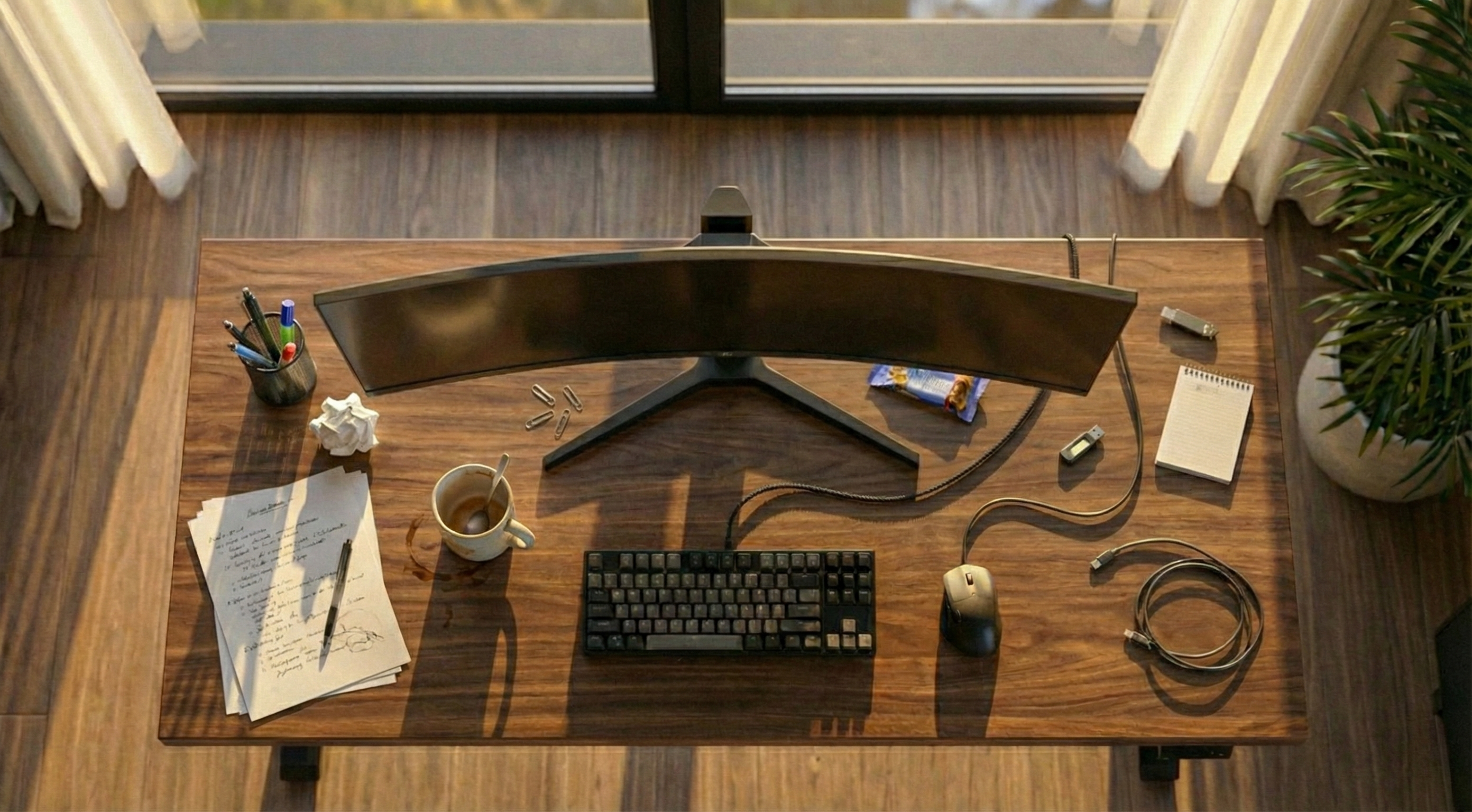
Huge plastic stand takes up workspace, gathers dust, no room for keyboard, rigid and immovable.
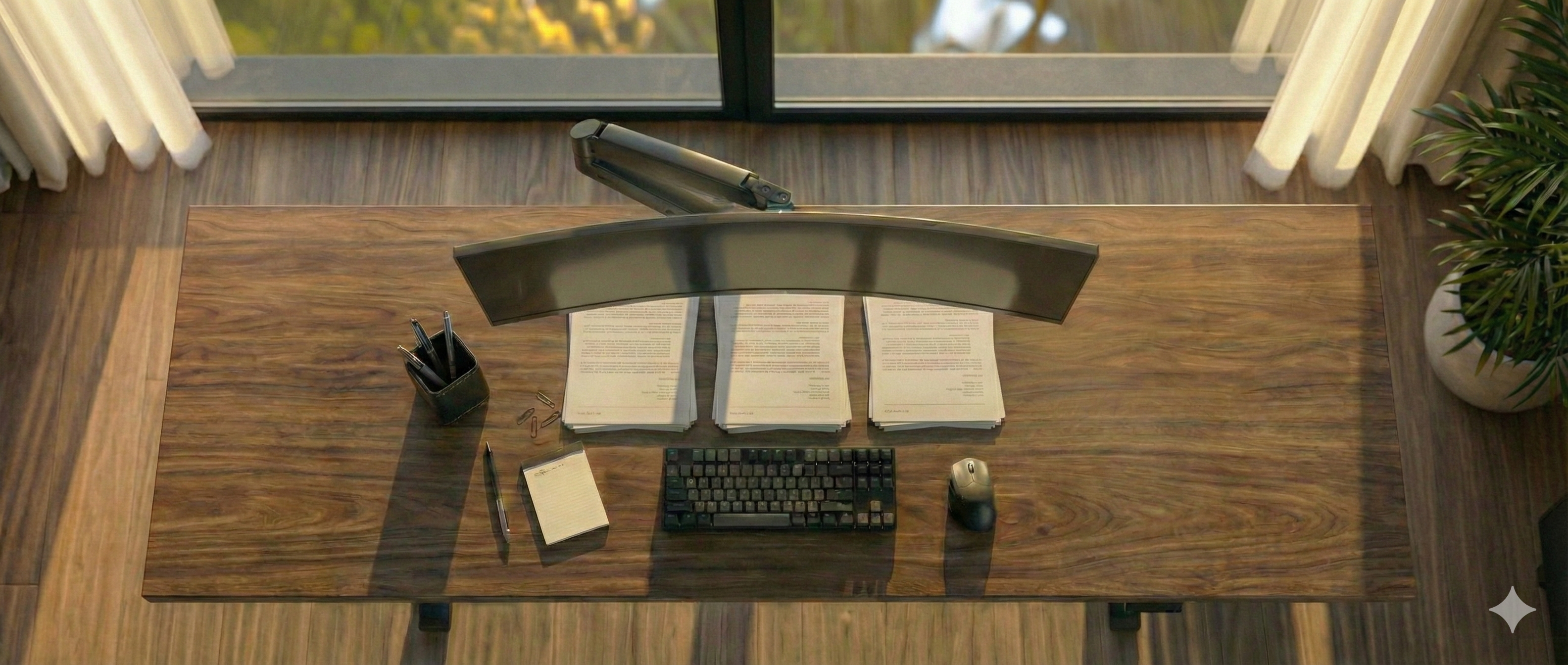
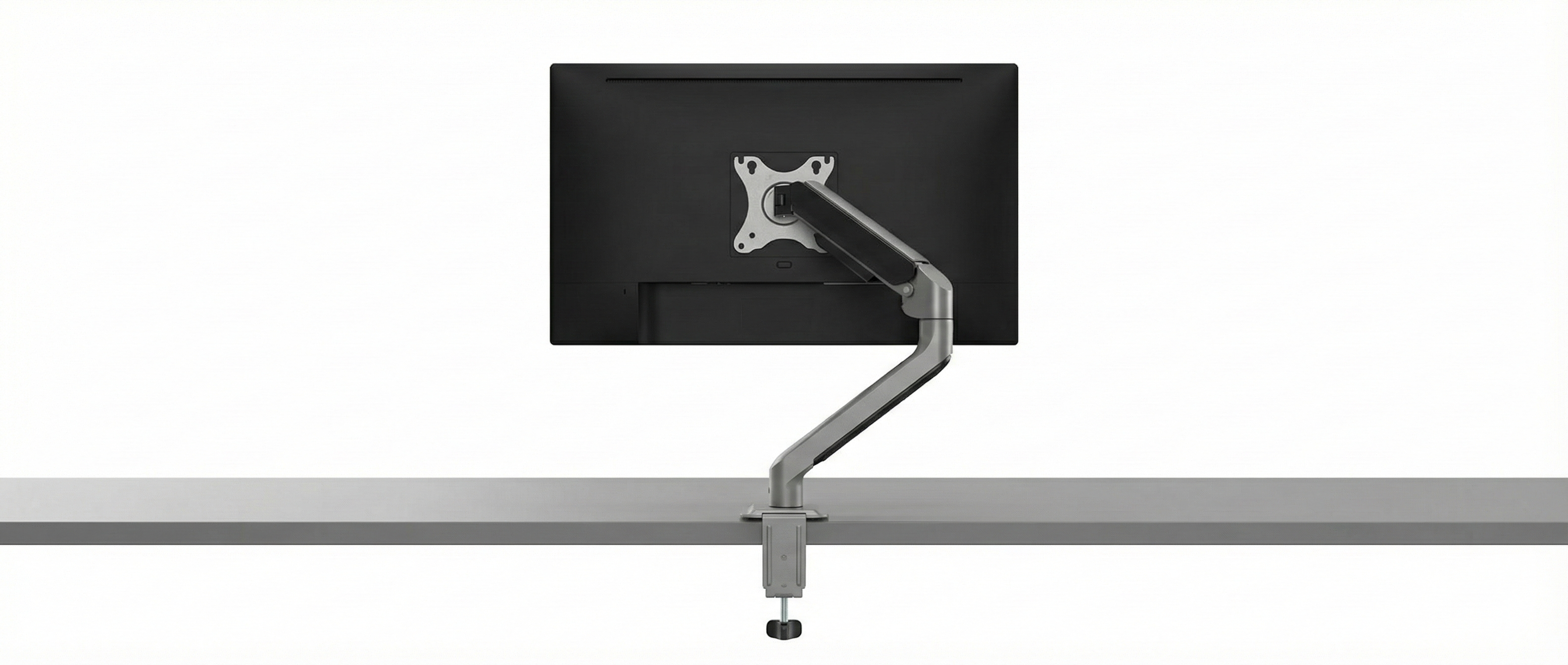
A monitor arm lets the screen float. The surface underneath is fully usable – for a minimalist look.
While the market is often dominated by unstable solutions, we consistently focus on durable quality.
Through our work developing special adapters for difficult monitors, we have developed a technical understanding of what really matters for stability. We use this knowledge to filter the market for you: You won't find thousands of random products with us, but a hand-picked selection of monitor arms that have withstood our strict quality checks. We only sell what we would use ourselves.
2. Workplace Ergonomics: The 90-Degree Rule
"How do I set up my desk ergonomically?" The answer is simple: Flexibility. A rigid stand forces you into a posture. A good swivel arm adapts to you.
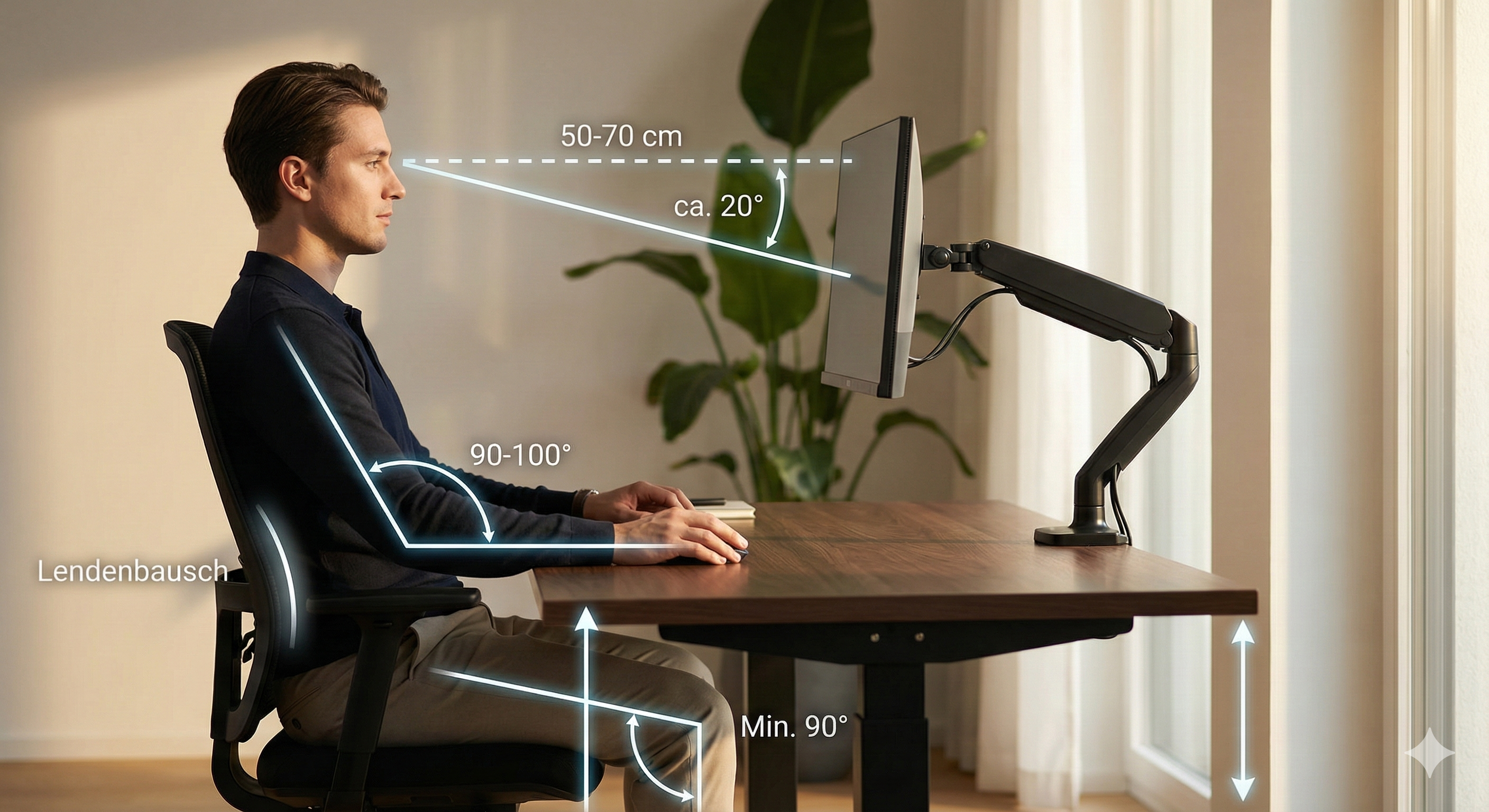
The 3 Golden Rules of Setup:
- ✔ Set correct monitor height: The top edge of the screen must be at eye level. This prevents "tech neck" (turtle neck).
- ✔ Keep your distance: The monitor should be about an arm's length (50-70 cm) away. Monitor arms allow you to pull the screen closer when needed (e.g., for detailed work).
- ✔ Central Focus: Main monitor centered. Dual monitor setups can only be aligned ergonomically correct (gapless) with a double monitor mount.
3. Lighting & Ambiance: Minimizing Contrasts
Adequate lighting is essential for ergonomic work. Too strong a contrast between a bright screen and a dark environment leads to increased strain on the eye muscles. Ensure balanced illumination of the workplace to prevent fatigue and headaches.
💡 Pro Tip: Bias Lighting
Installing an LED strip on the back of the monitor ("Bias Lighting") creates indirect wall lighting. This balances brightness differences in your field of vision and protects your eyes during prolonged screen work.
4. Hiding Cables: Invisible Management
Nothing destroys "Clean Desk Ideas" faster than cable clutter. If you use one of our monitor mounts, this problem is usually already solved.
- Integrated Channels: Almost all our monitor arms have integrated cable guides. You simply clip the cables into the arm so they move invisibly with the monitor.
- Wireless Peripherals: Mouse and keyboard should be wireless today. This reduces cables on the desk to a minimum.
- Under the Desk: Use cable trays or Velcro ties to route the remaining cables (power, PC connection) directly under the table top.
Your next step to the dream setup

Frequently Asked Questions (FAQ)
Conclusion
A productive home office doesn't happen by chance. It starts with the right foundation. Trust us when buying your monitor mount – we filter the market for you and offer only tested quality.
Find mount now ›Your monitor has no VESA holes? Find adapter here. | Fast shipping.