Deutsch
 Français
 Italiano
 Español
 EUR
EUR USD
USDOffer of the month
Products
___356_0_550977.jpg)
-(extremely-robust-solid-series-mount-(up-to-100-kg)-–-only-25-mm-wall-clearance-–-vesa-up-to-600x400)___355_0_520831.jpg)
___354_0_356938.jpg)
___353_0_556932.jpg)
Monitor Mounts for Desk, Wall & Stand
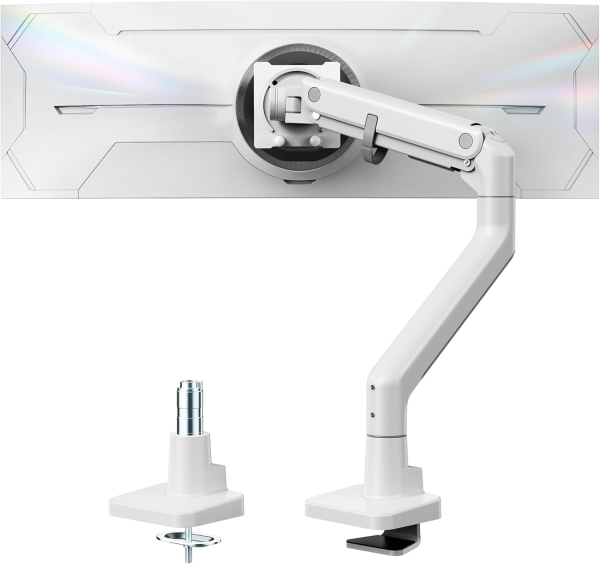
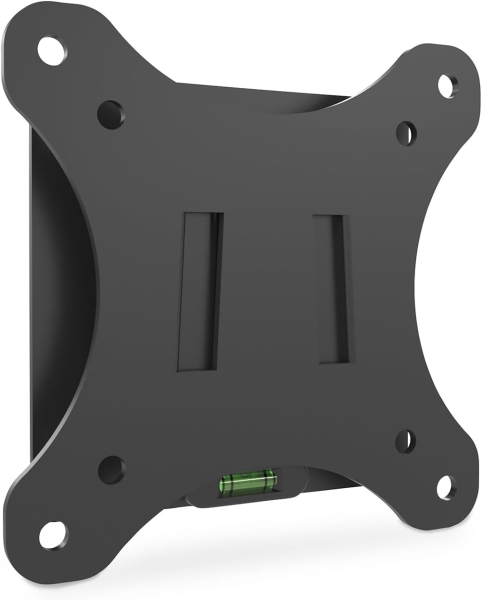
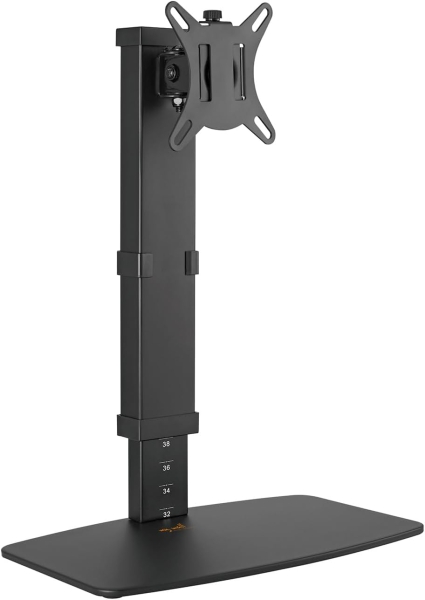

Your Upgrade for Office, Gaming & Home Office
Replace rigid stands with full flexibility and create space on your desk – with the expertise of vesa-adapter.com.
The standard stand of your monitor often takes up unnecessary space and forces you into a poor sitting posture. Our selection of professional monitor mounts solves this problem. We come from the niche of special adapters and know exactly what matters for a stable connection. Whether you are planning a clean office setup, looking for the perfect angle as a gamer, or simply want to create order in your cable chaos: Here you will find the technology that holds your monitor securely and offers you maximum flexibility.
Why a Monitor Mount Makes Sense
- • The perfect angle: Position the screen exactly where you need it. This noticeably relieves neck and eyes and ensures ergonomic comfort.
- • Space gain: When the monitor "floats", you reclaim up to 40% of your desk surface. Ideal for notes, a keyboard, or a clean look.
- • Full flexibility: Briefly turn the screen to a colleague or rotate it to portrait mode (pivot) for documents? Done in a single motion.
- • Tested stability: Wobbling screens are a no-go. That's why we only include mounts that carry your equipment absolutely securely.
Selection Guide: Which Mount Fits Your Setup?
| Type | Ideal for you if... |
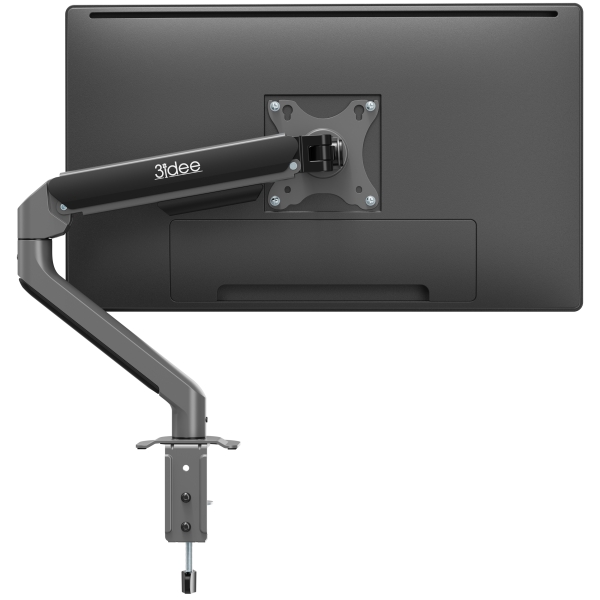
| Desk Mount (Arm) | ...you use a classic desk and want maximum mobility. Installation is easy and stable via a desk clamp. |
| Wall Mount | ...you prefer the absolute "clean desk" look or your desk is not against a wall. The monitor looks like a picture on the wall. |
| Monitor Stand | ...you don't want to clamp or drill, but still need ergonomic height adjustment and a more stable stand. |
| Dual- / Multi-Mount | ...you are a streamer, programmer, or trader. Two (or more) screens can be aligned perfectly in one line without wasting desk space. |
Our Expert Tip on Technology
- • The VESA Check: Check the back of your monitor. Do you see 4 threaded holes in a square (usually 75x75 or 100x100mm)? Then almost any mount will fit.
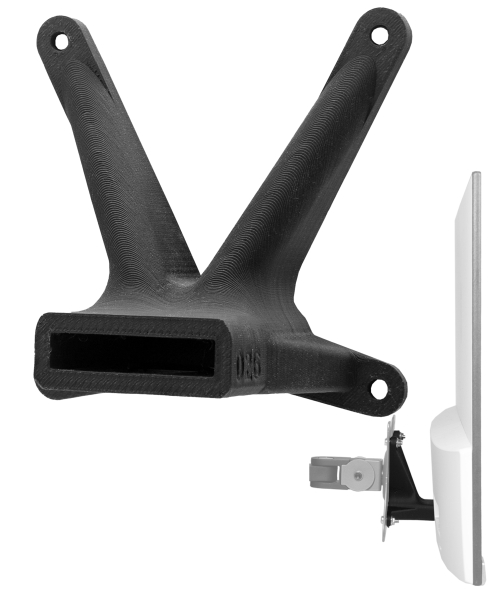
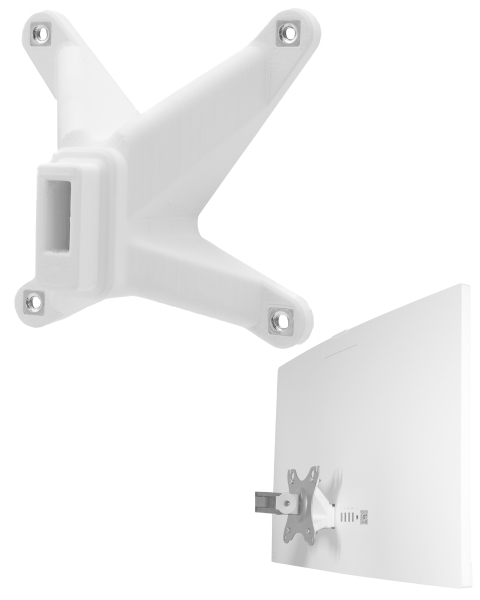
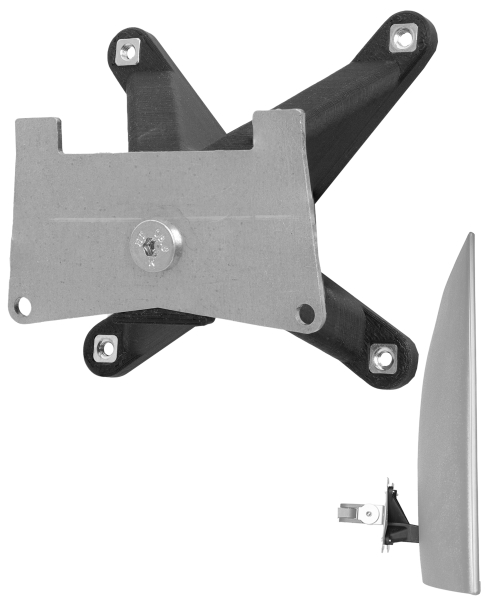
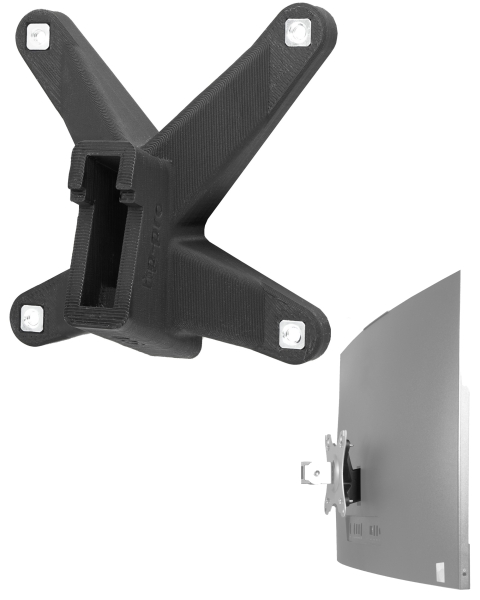
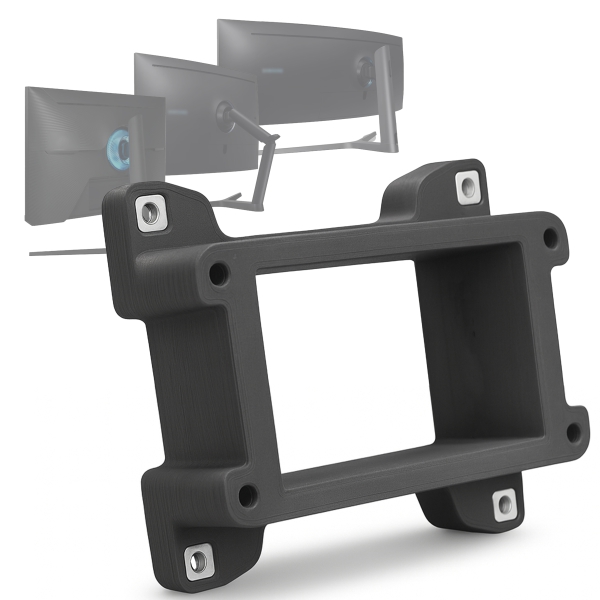
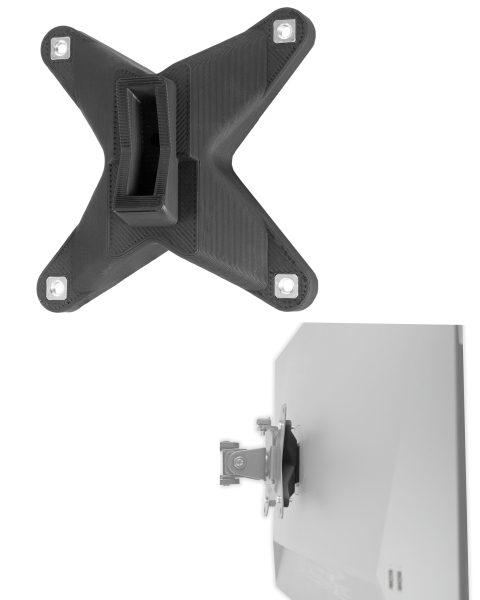
- • No holes? No problem: That's exactly what we are here for. If your monitor has no VESA mount, you are guaranteed to find the right VESA adapter in our shop to make it compatible.
- • Watch the weight: Especially with curved or ultrawide monitors: Make sure the weight (without the stand) is within the load capacity of the arm.